Read and Write NFC Tags with PhoneGap
The phonegap-nfc plugin allows you to read and write NFC tags from a PhoneGap application using JavaScript.
The plugin originally supported Android. The latest release adds support for Blackberry 7.0.
After installing the plugin into your PhoneGap app (See README) it is easy to start scanning tags.
Create a function that will handle the NFC events.
function onNfc(nfcEvent) {
    // display the tag as JSON
    alert(JSON.stringify(nfcEvent.tag));
}
Create the optional success and failure callbacks. These callbacks are for success and failure of adding the listener.
function success(result) {
    console.log("Listening for NFC Messages");
}
function failure(reason) {
    alert("Failed to add NDEF listener");
}
Register listener. When the listener is added, the plugin will generate an NFC Event whenever a tag is scanned.
nfc.addNdefListener(onNfc, success, failure);Deploy the application and scan a tag.
Example Project
The NFC Reader example project has been updated for Blackberry.
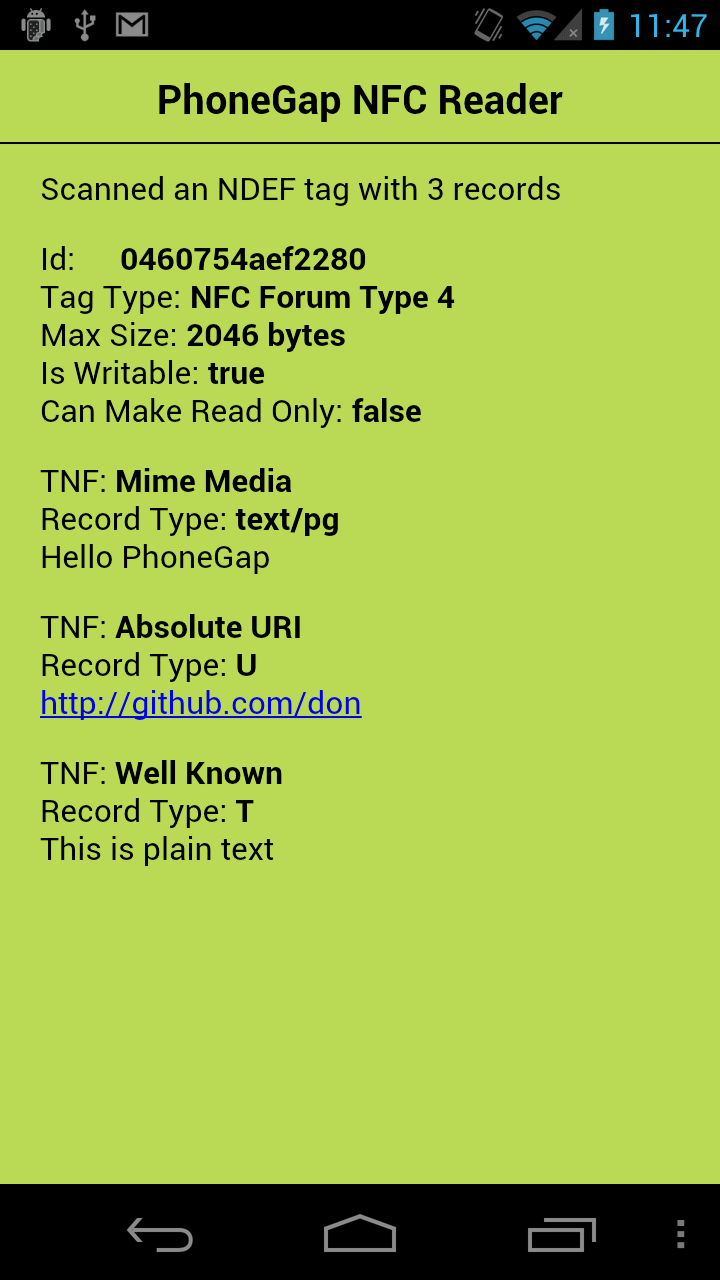
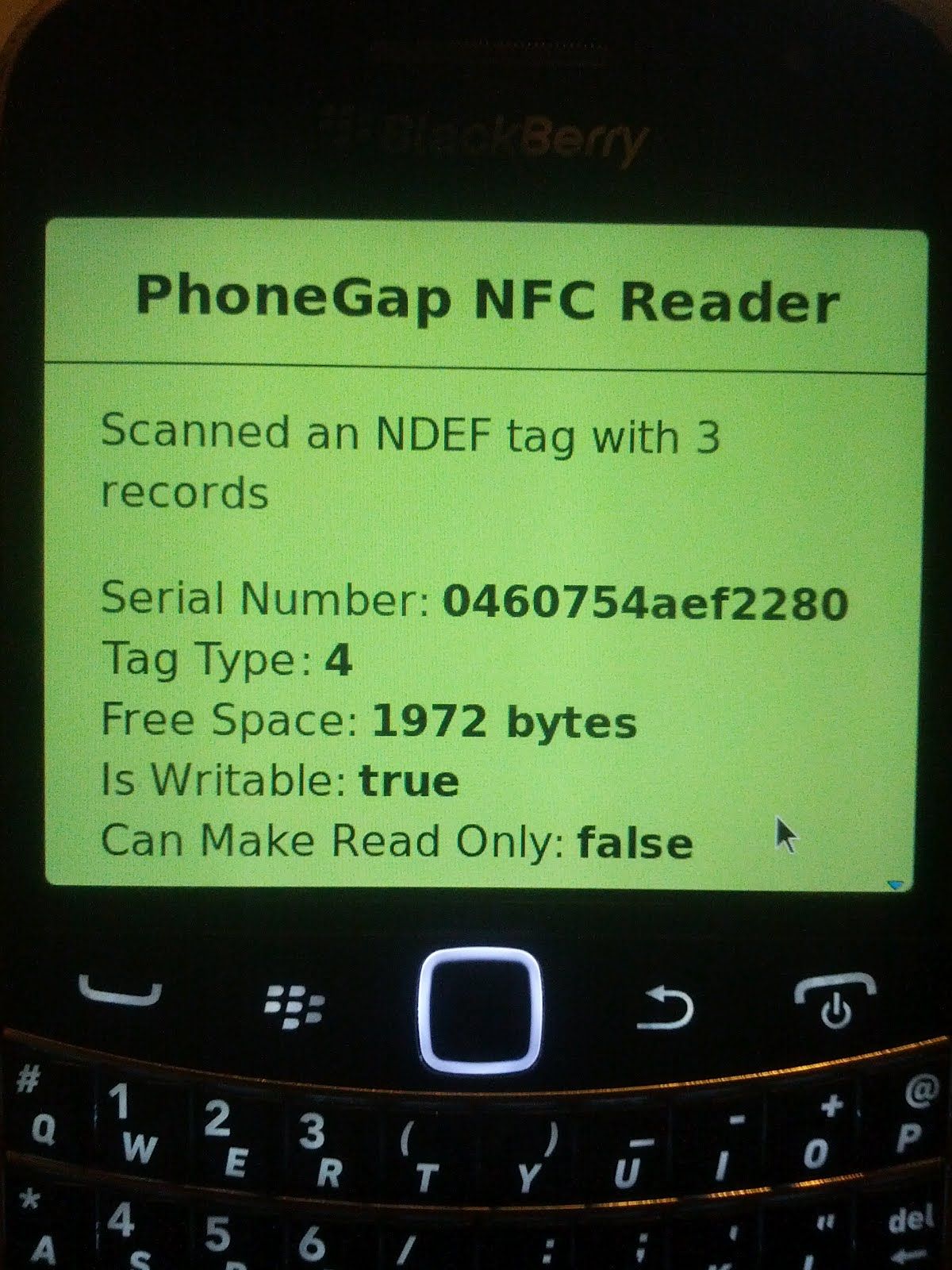
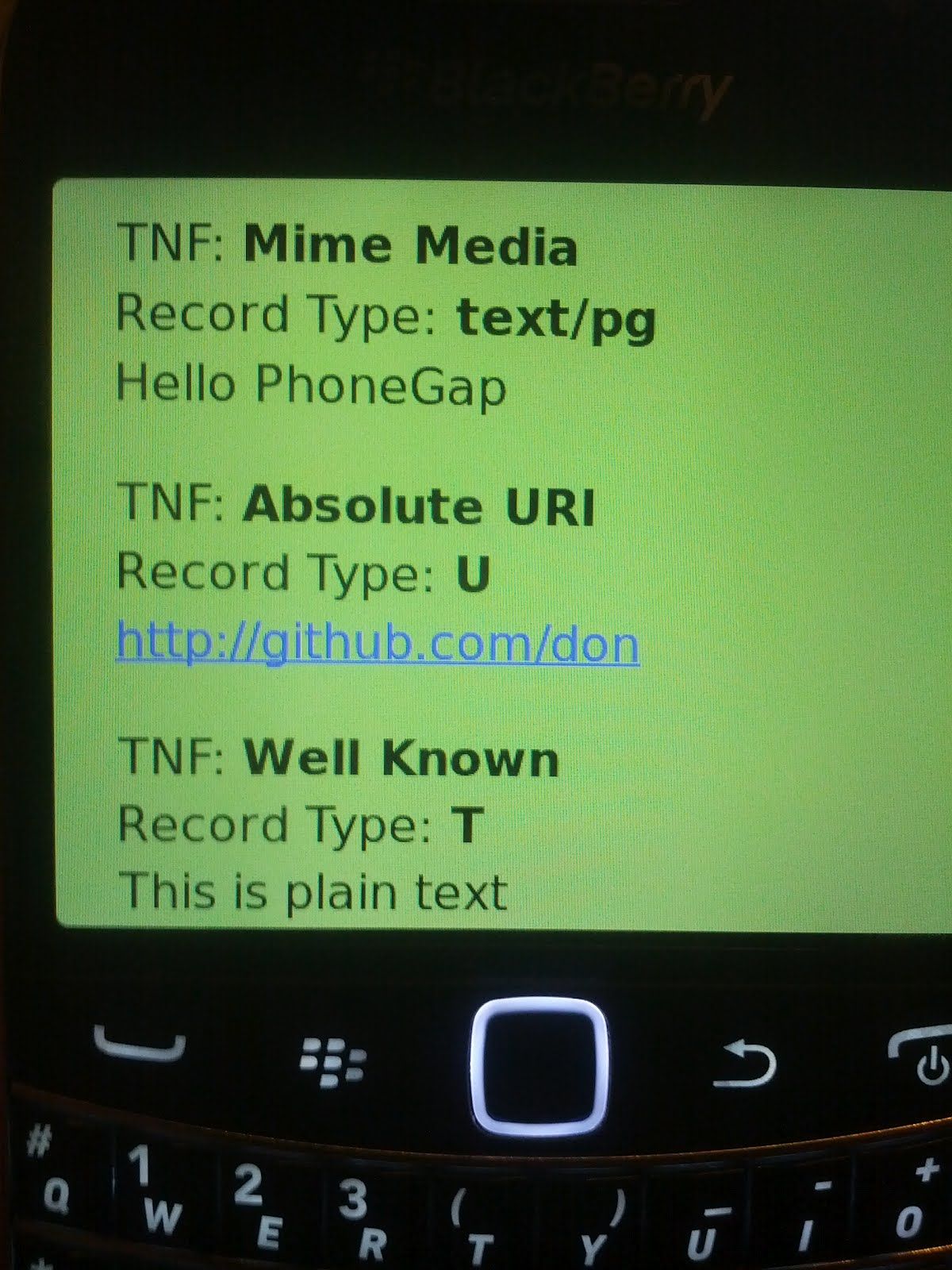
More info
The PhoneGap NFC API is documented in the README file.
Kevin wrote Building NFC applications with Android last year. Most of that information still applies.